How-to Guide
How to Create AI-Powered Carousels with Attensify
Learn how to design multi-slide carousels for Instagram, LinkedIn, and Pinterest using Attensify's AI carousel generator.
Open Carousel Generator
From the dashboard sidebar, click 'Carousels'. Hit 'New Carousel'.
Choose your format
Select Instagram (1:1), LinkedIn Document (16:9), or Pinterest (2:3). Pick number of slides (3, 5, 7, or 10).
Enter your topic
Type a topic or paste a URL (blog post, product page). AI will extract key points automatically.
Let AI design the slides
Click Generate. AI creates a headline, body copy, and layout for each slide using your brand colors and fonts.
Edit and customize
Click any slide to edit text, swap background colors, reorder slides, or add/remove slides.
Tip: Keep your opening slide bold — it's the only one users see before deciding to swipe.
Export and publish
Download as PDF (LinkedIn), PNG (Instagram), or publish directly from Attensify.
Real Examples
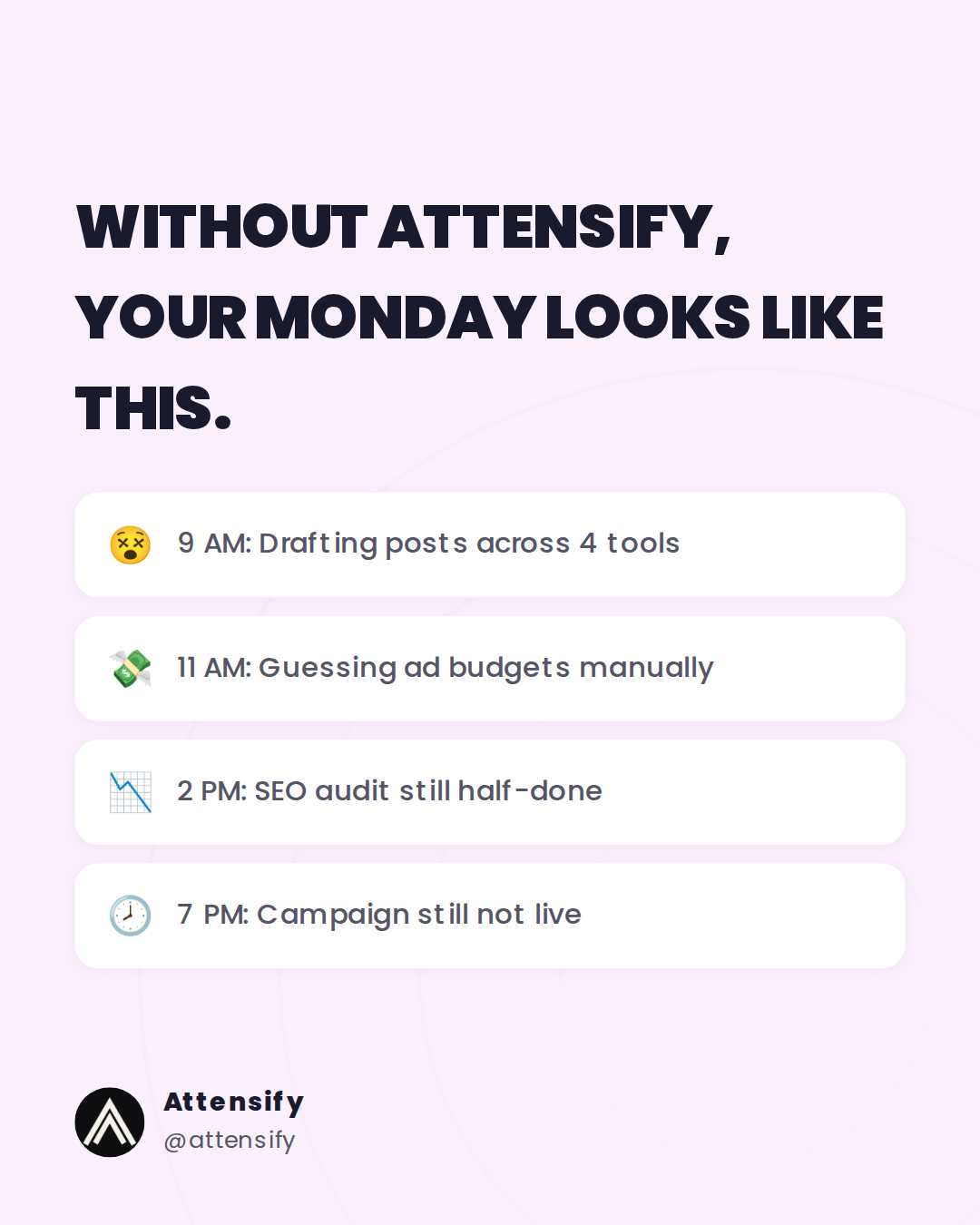
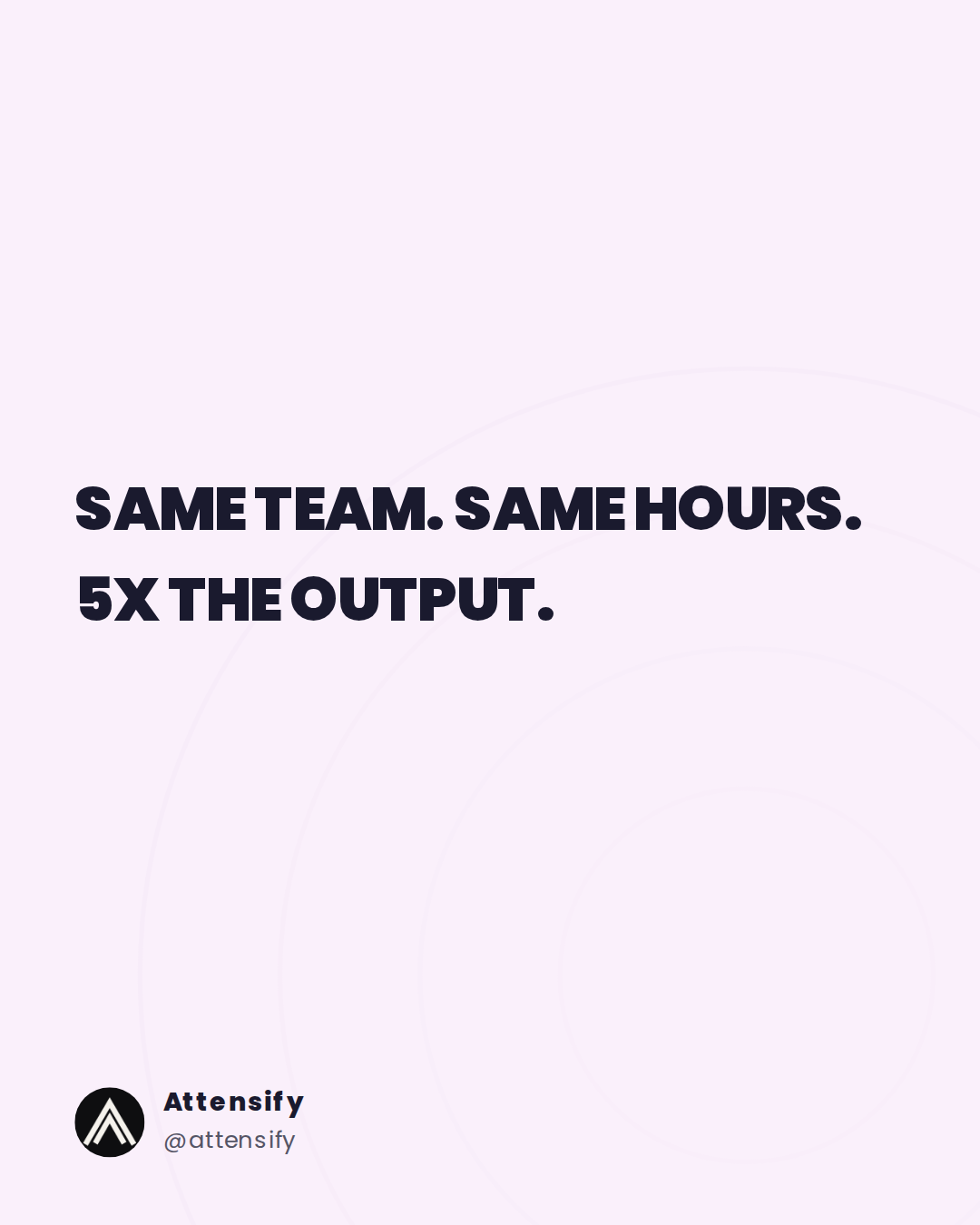
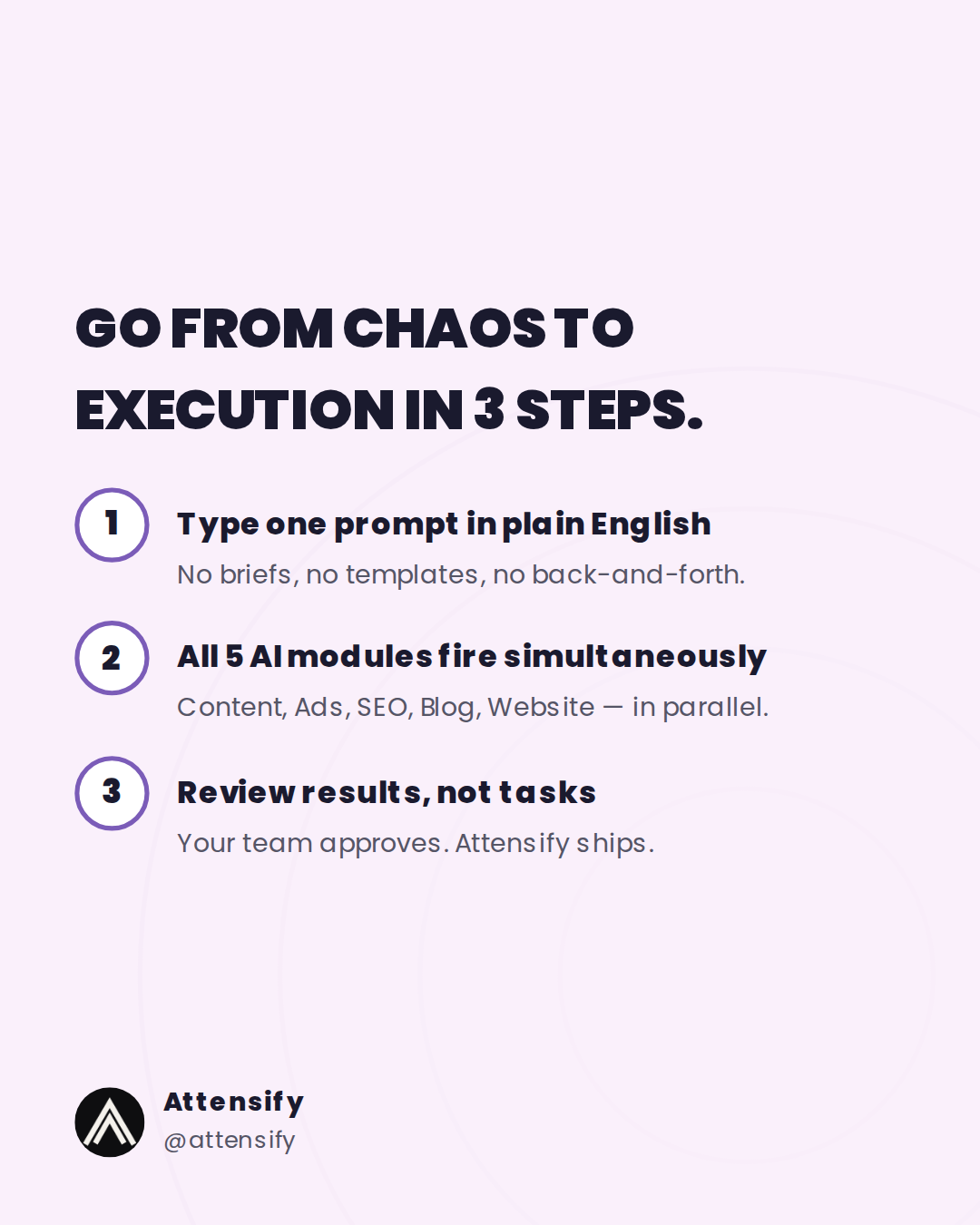
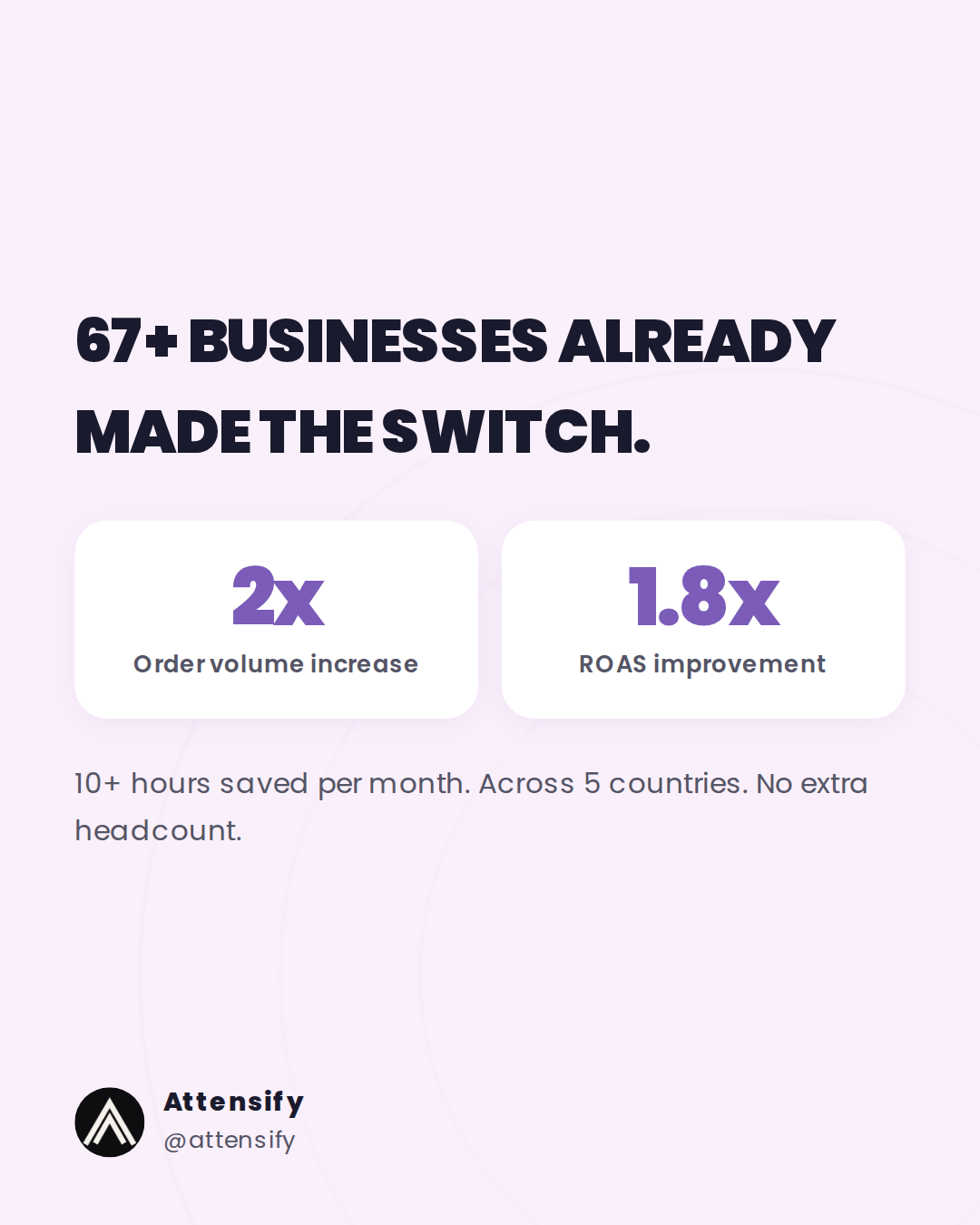
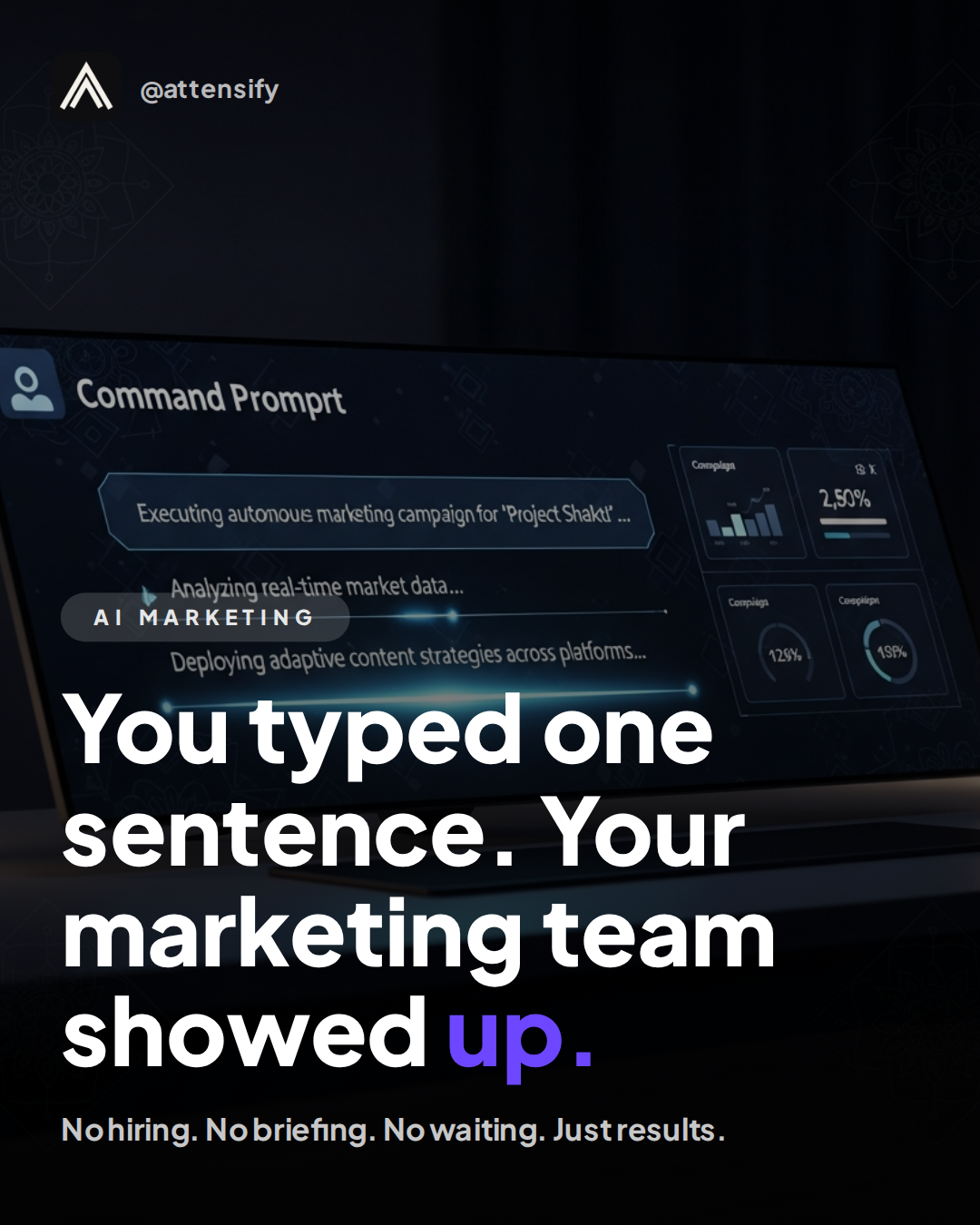
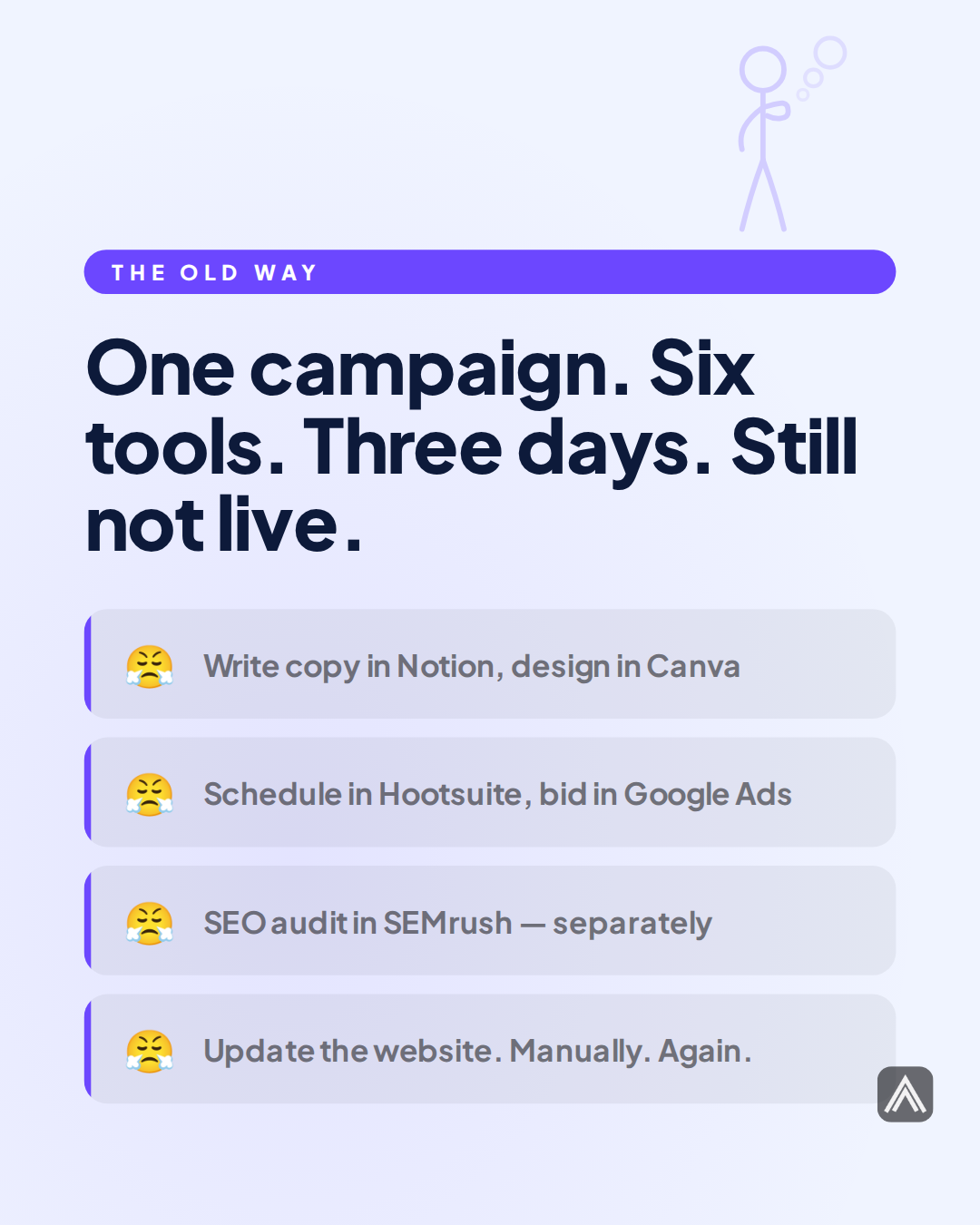
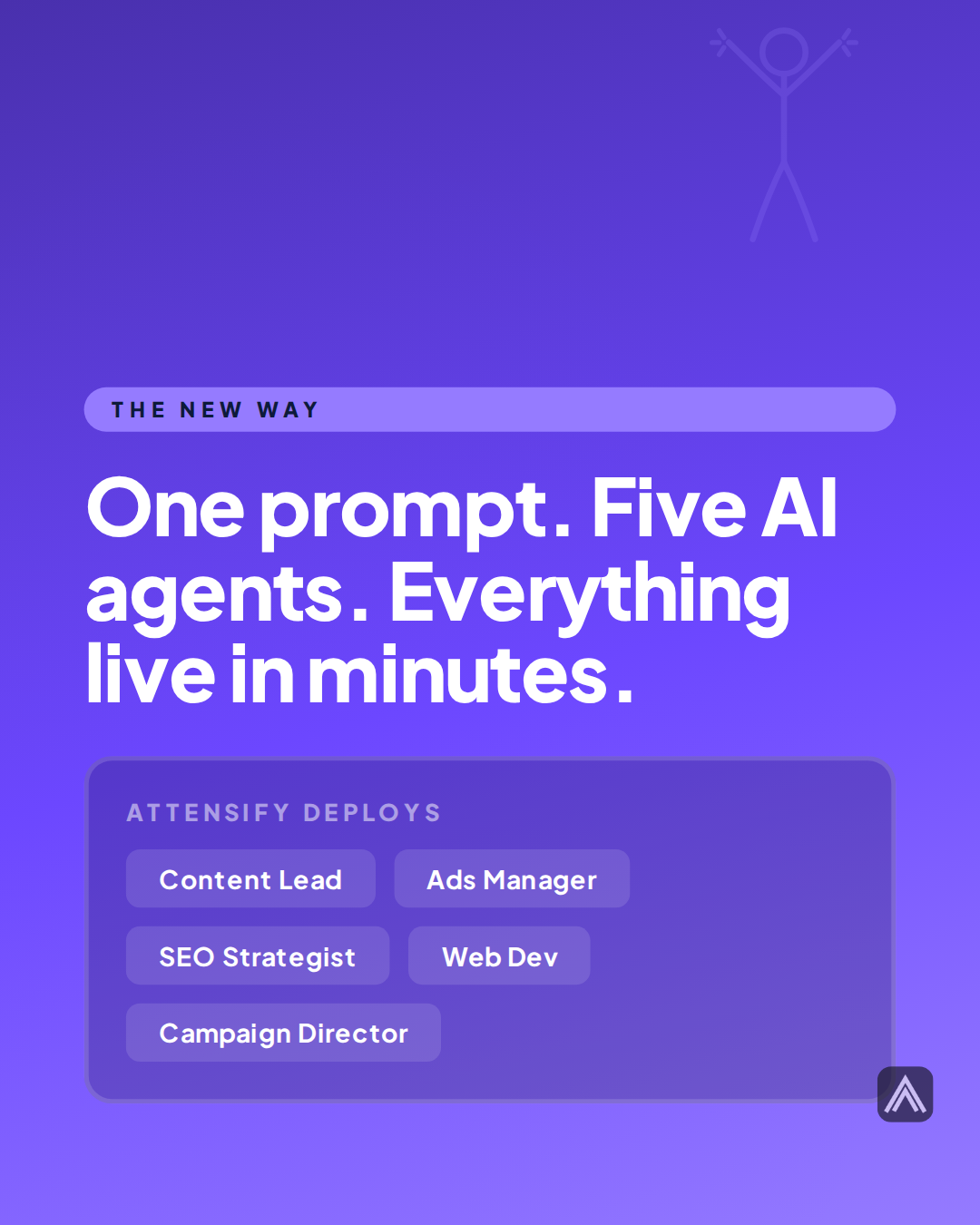
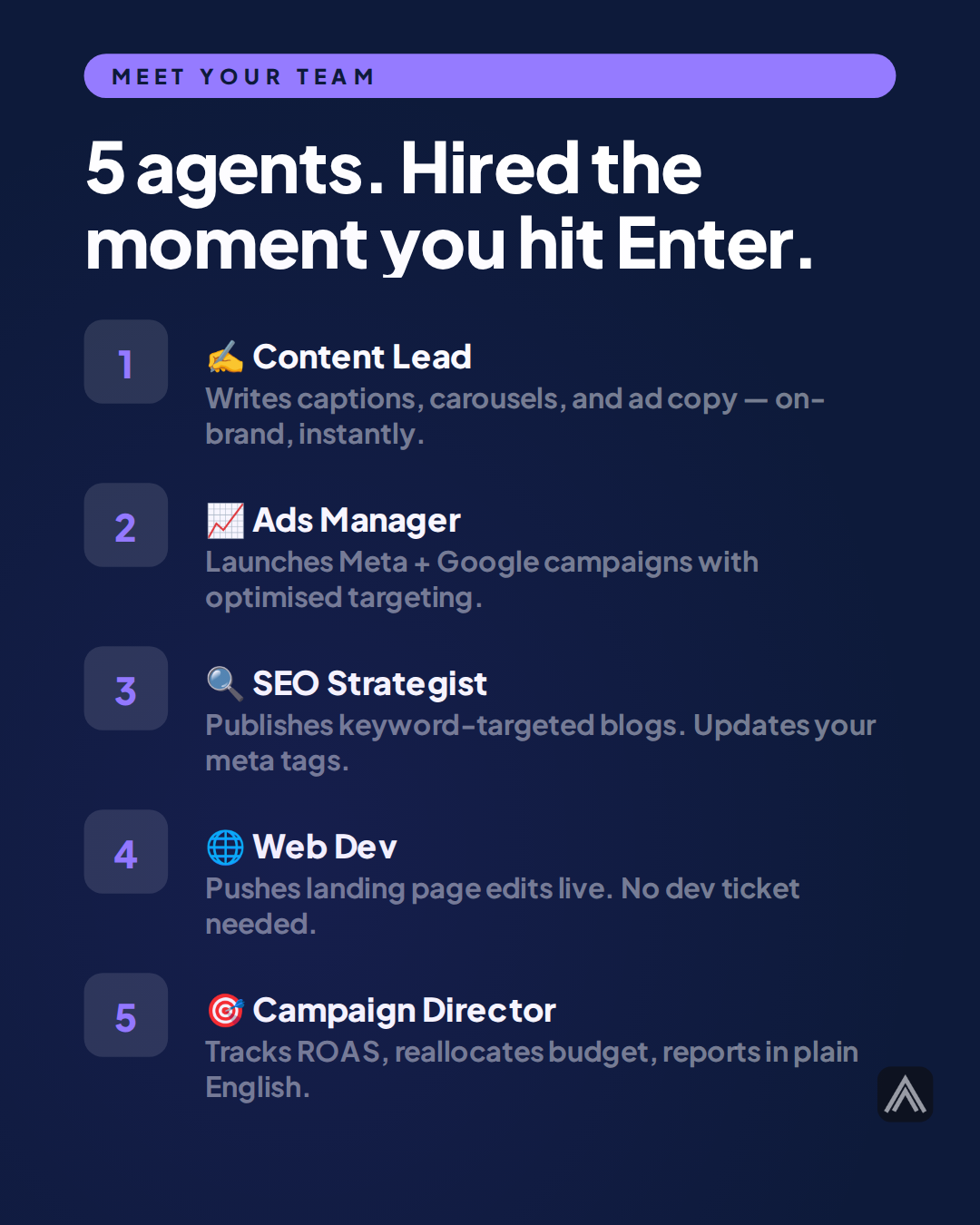
Carousels made with Attensify
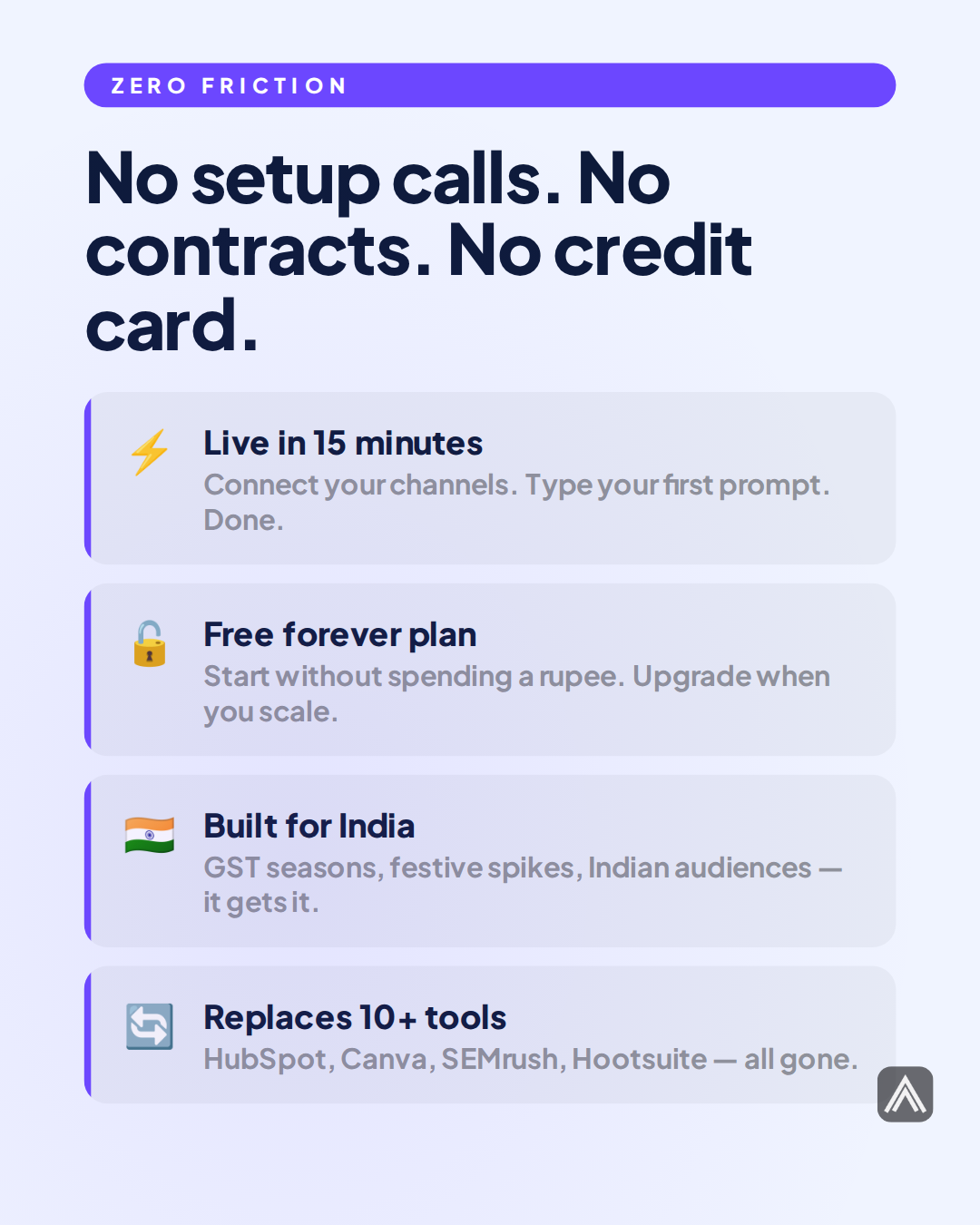
Swipe through. Every slide is AI-generated.
"Your 2-person team is losing to a team of 10"



"You typed one sentence. Your marketing team showed up."


Related Feature
Carousel Generation
See everything this feature can do for your content.